The dream as remembered
Title, date, wake time, sleep quality, sequence, people, places, emotions, sensory details, and ending.
Download a clean two-page Word document for capturing the dream first, then adding waking context and possible meanings without rewriting the memory.
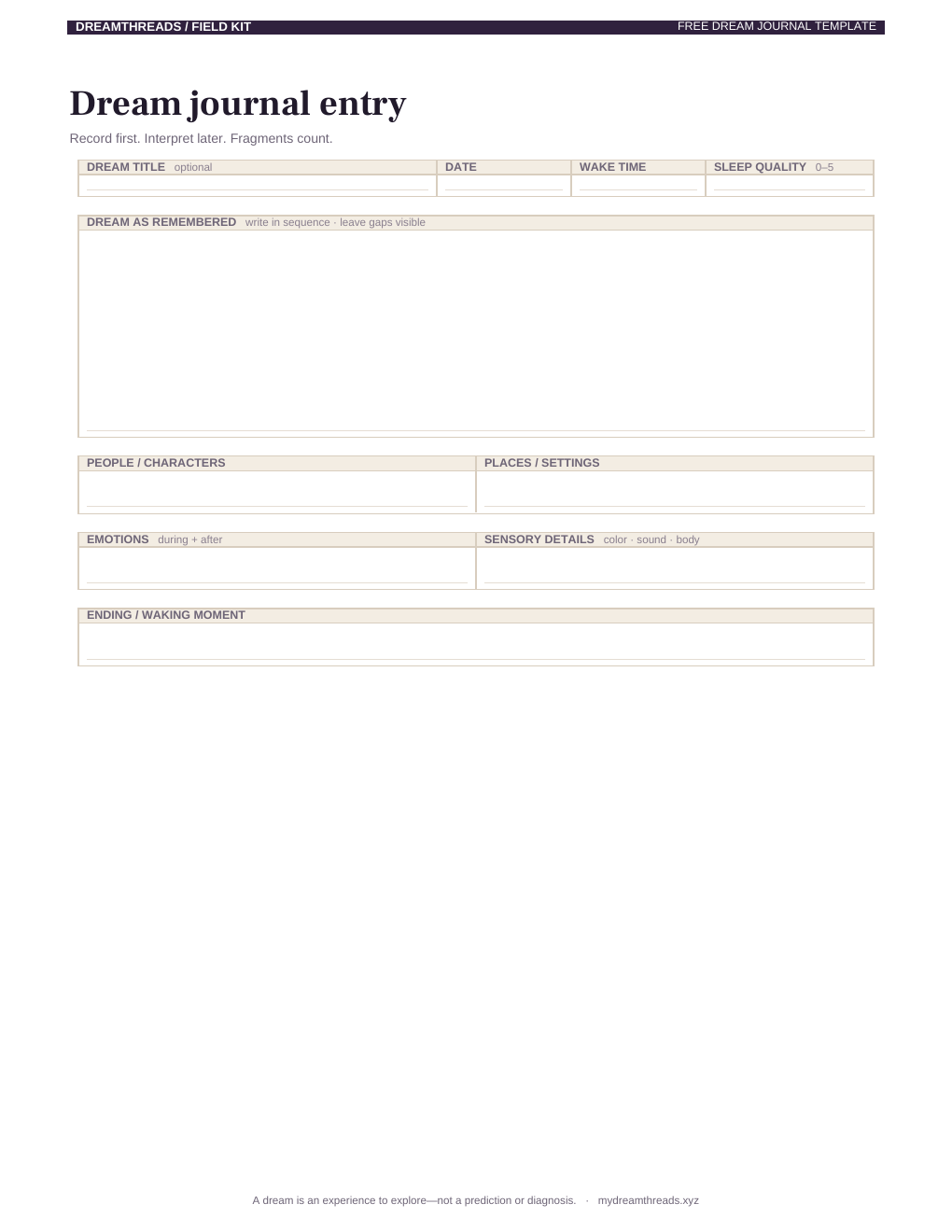
.docx. Select the preview to download it.Title, date, wake time, sleep quality, sequence, people, places, emotions, sensory details, and ending.
Recurring signs, waking-life echoes, and personal associations stay separate from the original account.
Alternative readings, intensity, lucidity, recurrence, tags, one open question, and one gentle next step.
Upload dream-journal-template.docx to Google Drive, choose Open with Google Docs, then save a clean copy as your reusable template. Google Docs may shift small spacing details, but every prompt remains editable.
If you prefer Notion, a fillable PDF, or a spreadsheet dream log, the complete free dream journal template kit includes those formats too.
Yes. DreamThreads provides a real two-page .docx dream journal template that opens directly in Microsoft Word. Download it without an account, keep a clean master, and duplicate it for each dream.
Yes. The .docx download is free for personal dream journaling and requires no email address or account.
Yes. Open the .docx in Microsoft Word and type into, rename, duplicate, or remove any section. Save a clean master copy before making daily entries.
Yes. Upload the .docx to Google Drive and open it with Google Docs. The text remains editable, although Google Docs can make small layout changes during conversion.
Yes. It uses a simple two-page layout designed to work as an editable document or a printable worksheet.
The template includes the dream sequence, people, places, emotions, sensory details, ending, recurring signs, waking-life echoes, personal associations, alternative readings, intensity, lucidity, recurrence, tags, an open question, and a gentle next step.
Keep a blank master, duplicate it when you wake, and let incomplete fragments count.
Download free .DOCXRead the dream journaling guide